

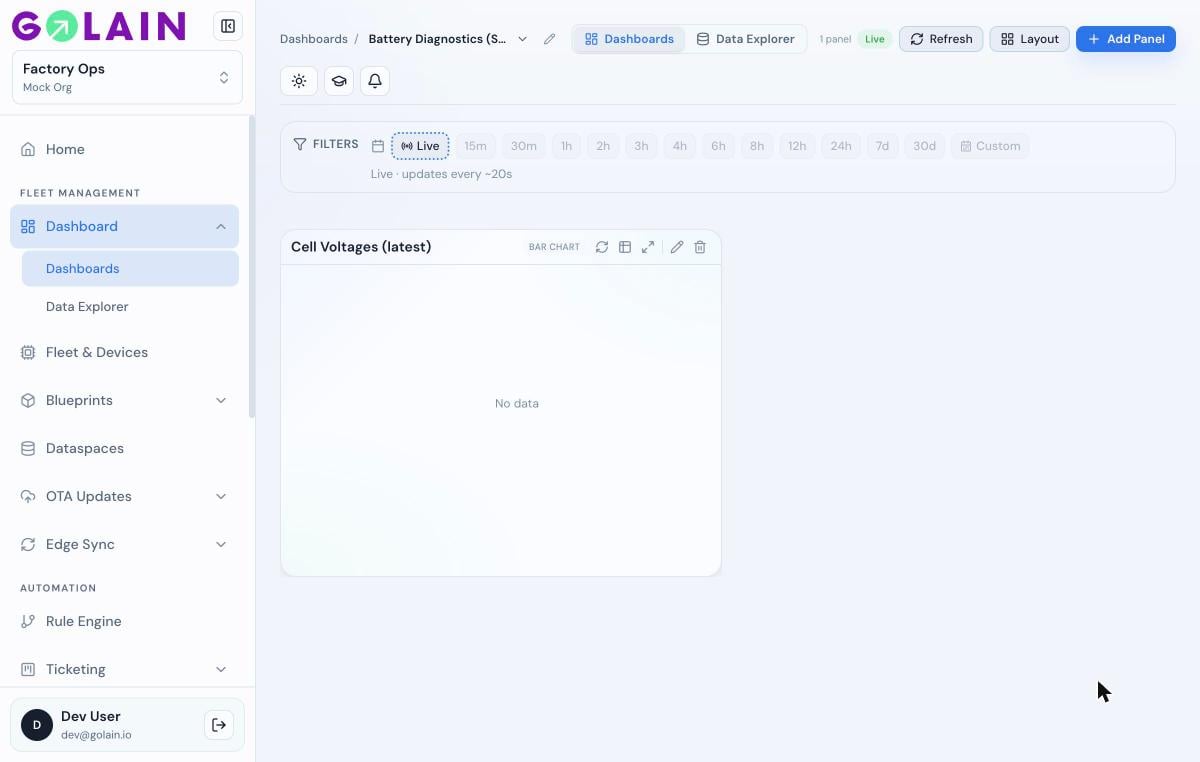
Panel shows “No data”
Gauge or stat shows 0
A Gauge or Stat/KPI panel reads a singlevalue field from the transformed row. It reads 0 when that field is missing — most often because the Measure picker is pointed at a column that doesn’t exist in your transform’s output (a raw column name instead of your transform’s output column).
Checklist:
- Re-run the transform (Transform tab → Run transform) and confirm the exact output column name under Output columns.
- On the Build tab, confirm Measure matches that name exactly — including case.
- If your transform outputs are aliased to
value, confirm the picker actually showsvalueselected, not a raw column likeid.
Known issue: selecting a transform-output column (e.g. 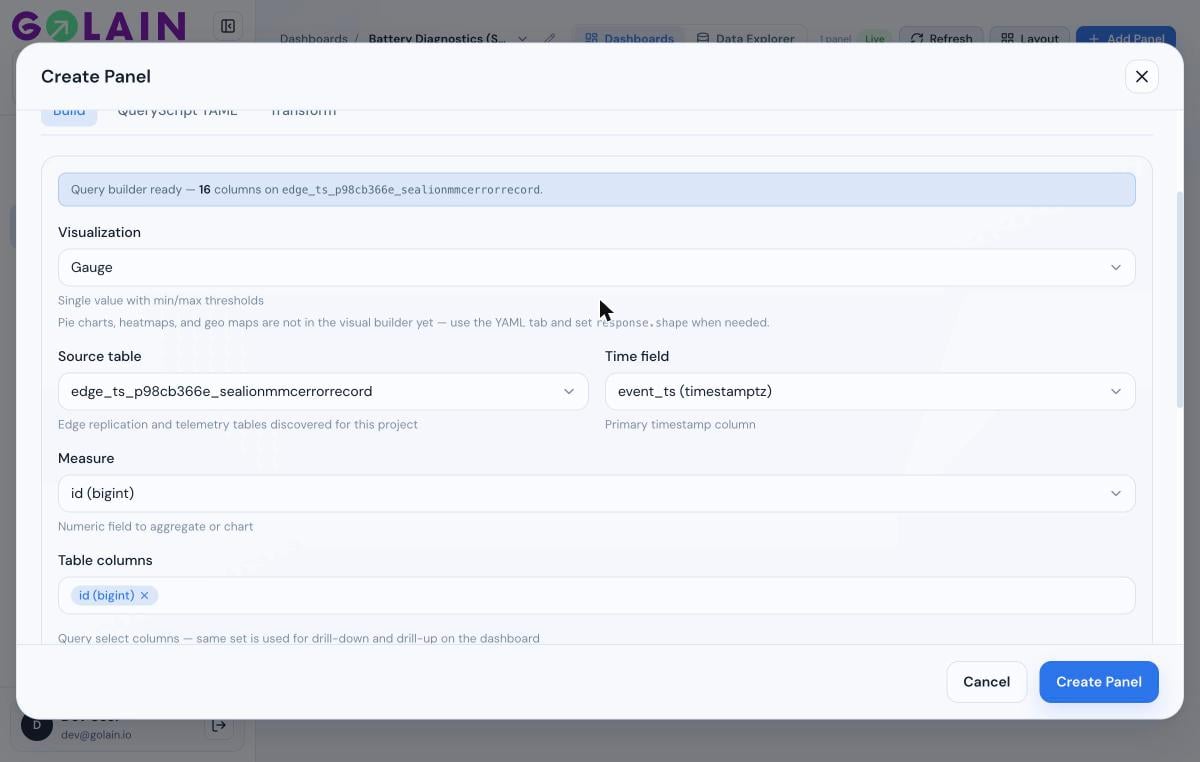
value) in the Measure dropdown for a Gauge/Stat panel can silently snap back to a raw column instead of holding the selection — with no error shown. The dropdown will still visually show the old raw column after you pick the transform output.value (the field Gauge/Stat falls back to when nothing else is mapped), save the panel, then re-open it for editing. If the Measure field still doesn’t hold your selection, this needs a fix in the panel editor rather than a transform change — flag it to your team rather than reworking the SQL further.A transform-output column doesn’t appear in the axis/measure picker
- Confirm you clicked Run transform after your latest SQL edit — pickers only see columns from the last successful run, not what’s currently typed in the editor.
- Transform outputs are listed after all raw table columns in X/Y axis pickers — scroll down.
- If the panel was saved before the transform was added or changed, reopening the editor re-syncs available columns; a stale in-progress edit may not.
Transform SQL fails to run
- Unbalanced parentheses in a
WITHCTE are the most common typo — the editor auto-inserts a closing)when you type(, which can end up in the wrong place if you also type your own closing paren. Check the CTE closes right after itsSELECT, not at the end of the whole query. - Referencing a column that isn’t marked as a structured column — if a column holds encoded JSON (bytea/base64), mark it under Structured columns first (see Transforming panel data) so DuckDB sees a real array/object instead of an opaque string.
- Referencing a transform-output column from the raw query (e.g. in a manually-edited QueryScript YAML
order_byorselect) — the raw query runs against the source table before the transform, so it can only reference columns that exist there.